Step 1
Download instantly.
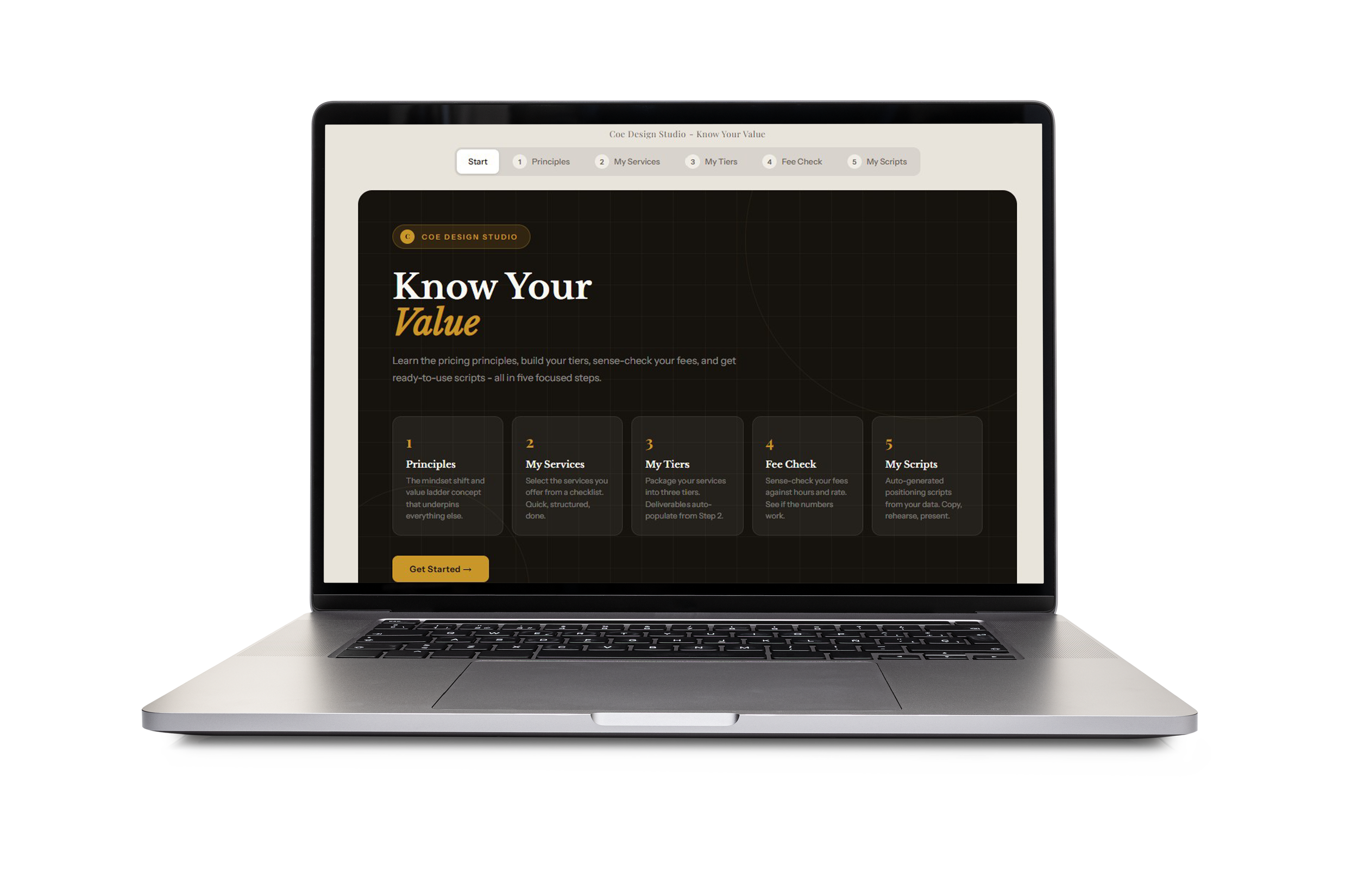
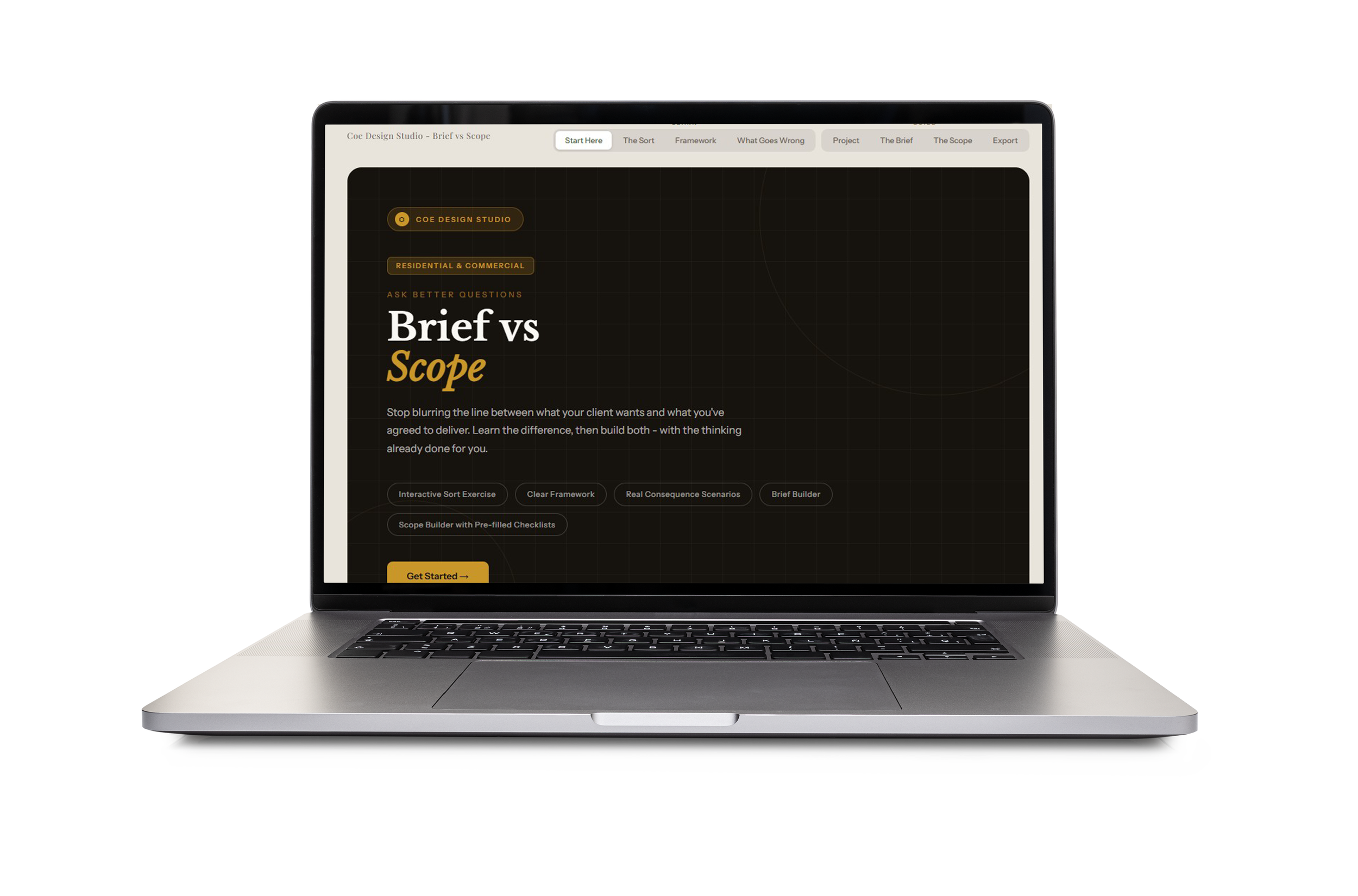
Purchase once. Receive the Toolkit, with comprehensive templates ready to open in any web browser, fill in, and use the same day.

Step 2
Make it yours.
Each template is fully interactive. Work live in your web browser - they’ll also work offline. They’re built for how designers actually work.

Step 3
Close with confidence.
Walk into every discovery call, proposal meeting, and fee evaluation knowing exactly what to say - and how to hold your position when it matters.

Frequently Asked Questions
-
The HTML file
This is what you download once and keep. It contains all the code that makes the tool work - the structure, the styling, the calculations, the interactivity. You don't edit it, you don't need to understand it, you just open it in a browser and it runs. Think of it as a mini app that lives on your computer.
-
Right-click the .html file and select ‘open with’ your preferred web browser. Chrome or Edge work best for local files.
-
The HTML file is the app. The JSON file is the data.
Think of it like a picture frame versus the photo inside it. The HTML file is the frame - it contains all the design, the logic, the buttons, the layout. It never changes. The JSON file is the photo - it's just the information that gets displayed inside that frame.
The JSON file
JSON stands for JavaScript Object Notation, but ignore that - all it really means is a structured text file that stores information. When a template lets you "save" your work, it's writing your inputs and data out into a .json file on your computer. When you "load" it later, you're feeding that data back into the HTML frame so it can display your information again.
-
Download both the .html file and the .json file to the same folder on your computer. This is important - they need to live together in the same directory for the HTML file to find the data.
-
Avoid it. Incognito mode often blocks local file access and can prevent the JSON from loading altogether. Stick to a regular browser window.
-
You can rename the HTML file freely. Be careful renaming the JSON file - the HTML file references it by name, so if you rename the JSON, you'd need to open the HTML file in a text editor and update the filename reference to match.
-
Chrome and Edge are the most reliable for local HTML/JSON files. Firefox works too but can be stricter about local file permissions. Safari on Mac sometimes blocks local file loading entirely unless you adjust settings.
-
No, never. It's not meant to be human-readable - if you open it out of curiosity you'll see a wall of text and symbols that looks like code. That's normal. Just treat it as a save file and let the HTML tool handle reading and writing it.
-
The tool will have a Save or Export button built in. Click that and your browser will prompt you to download a .json file. Save it somewhere you'll remember - ideally in a dedicated folder for that client or project. The tool creates the file for you, you're not making it manually.
-
Yes, and this is exactly how you should use it. One JSON file per client, per project, or per proposal - whatever suits your workflow. They all load into the same HTML file. Name them clearly so you can tell them apart, something like smith-kitchen-reno.json rather than save1.json.
-
The data is gone, unfortunately. The tool has no memory of its own and doesn't store anything in the cloud or on a server. Your JSON file is the only record of your work. Treat it like any important document and back it up - Google Drive, Dropbox, or any folder you back up regularly.